Email Template
Email templates save time with reusable content, while AI can draft a contextual email from lead or deal data in different tones.
Email templates serve as a time-saving tool for composing emails efficiently. With Jinja templates, you can personalize emails with recipient and context variables. For one-off outreach, you can also generate an email with AI that reads the record's data and drafts a message you can edit before sending.
Create a new Email Template
To create a new email template:
- Go to the Email Template list and click New. In the insert dialog inside the email composer, the same action appears as Create.
- Select the DocType for which you are composing the template: CRM Lead or CRM Deal.
- Fill in Name, For, Subject, Content, and Enabled. Content type can be Rich Text or HTML.
- Click Create for a new template or Update when editing an existing one.
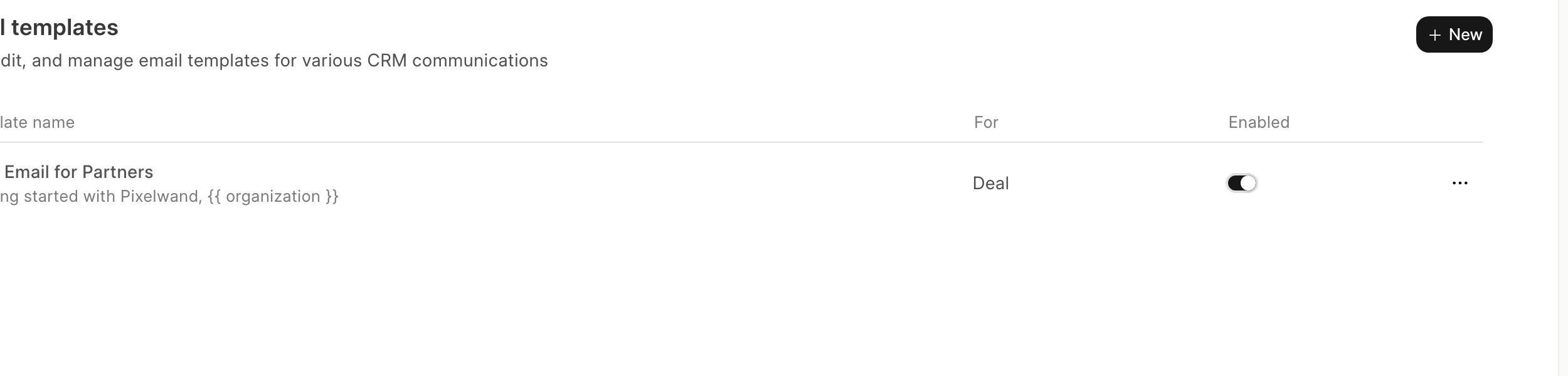
Only Enabled templates appear in the email composer's insert list. All templates remain visible and manageable in the templates list, and are team-scoped.
Using the Email Template
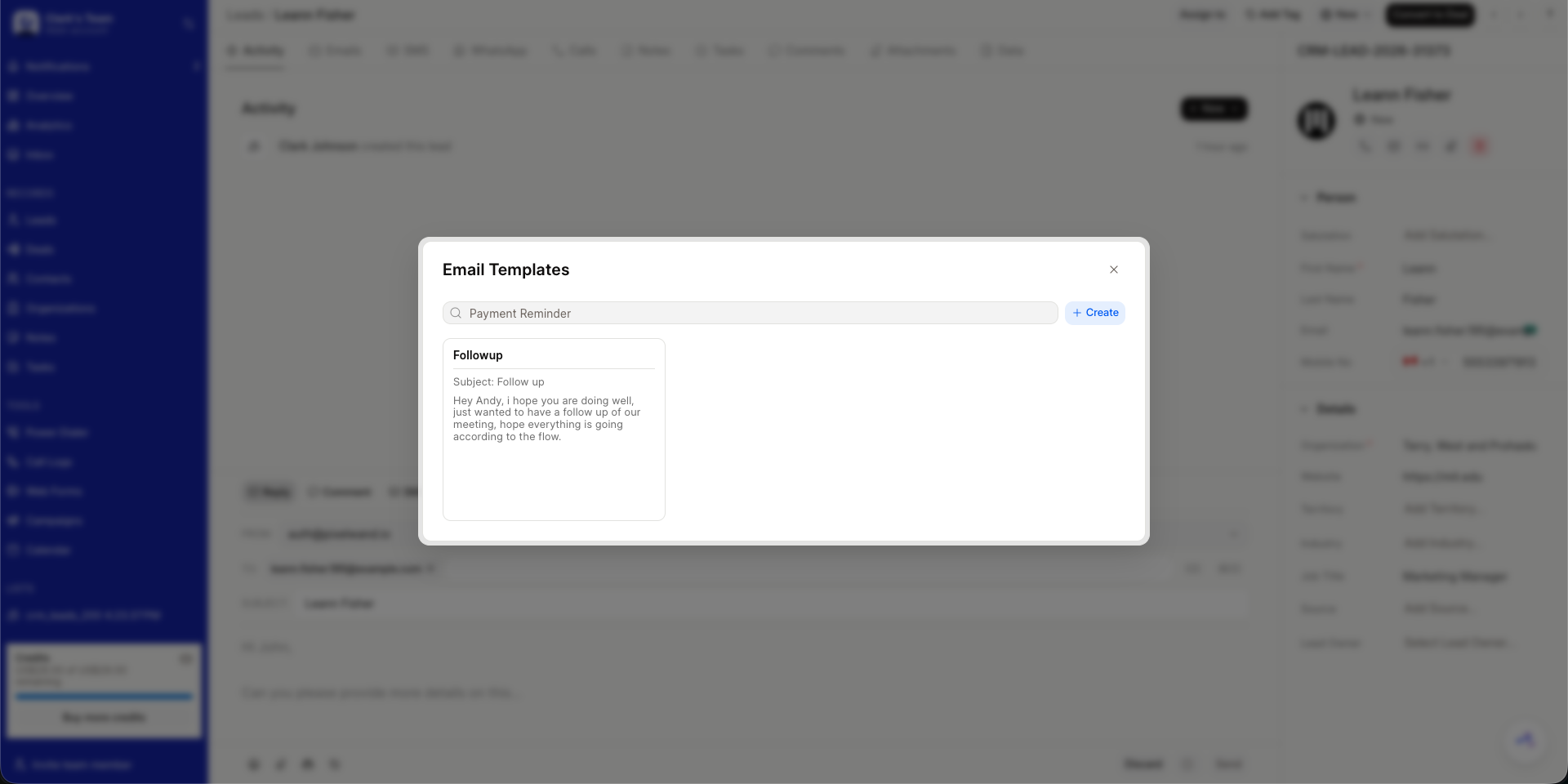
You can use the templates you created while composing emails by clicking the Insert Email Template button in the editor.
For example, as seen in the screenshot, the email template "First Email for Partners" is selected.
Generate with AI
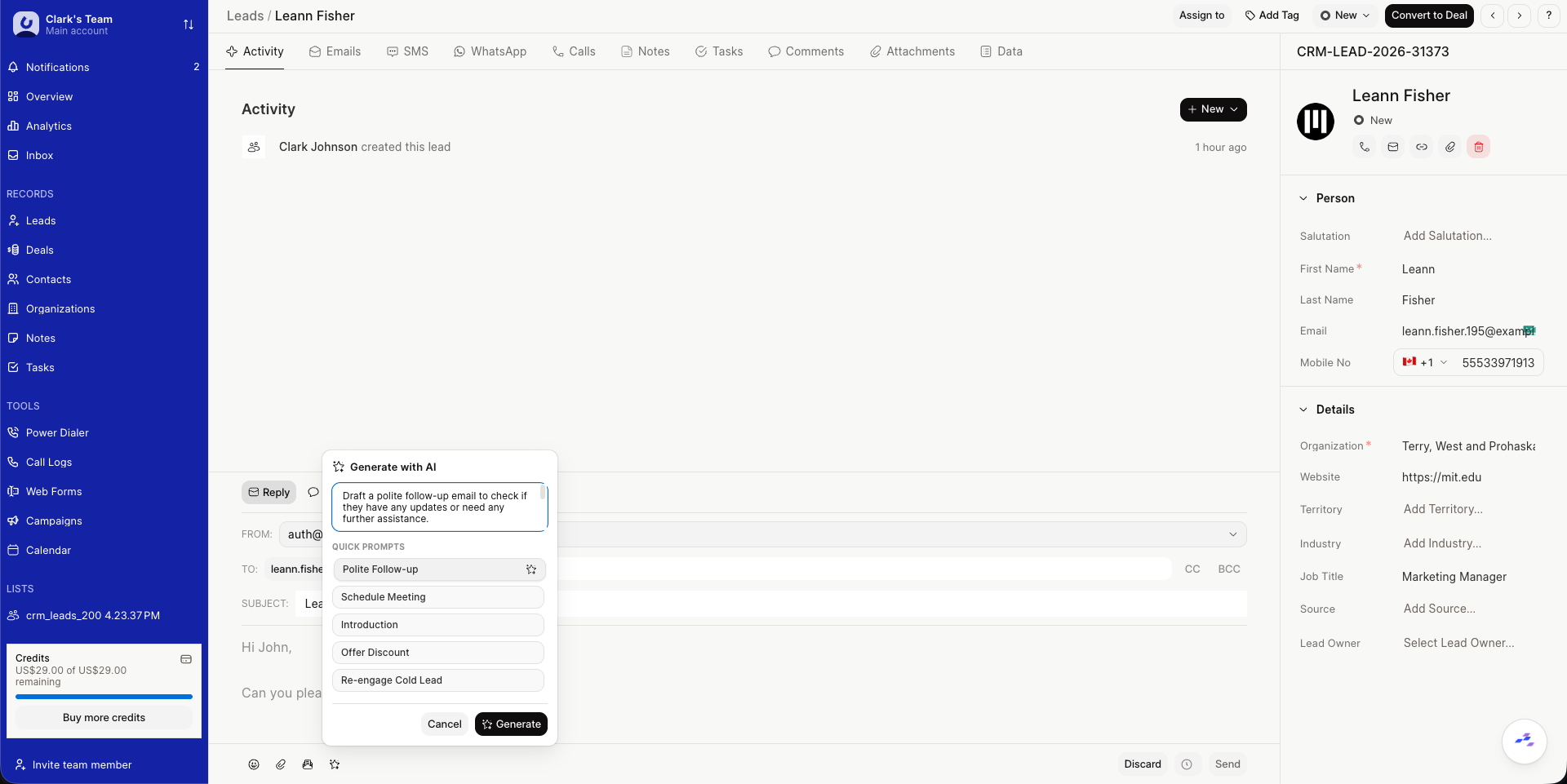
In the same email editor, click Generate with AI. The AI reads the current record's details along with recent emails, call logs, and notes to draft a relevant, professional and concise email.
- Choose a Quick Prompt such as Polite Follow-up, Schedule Meeting, Introduction, Offer Discount, or Re-engage Cold Lead, or describe the tone and intent in your own words, for example, friendly and concise or formal proposal with next steps.
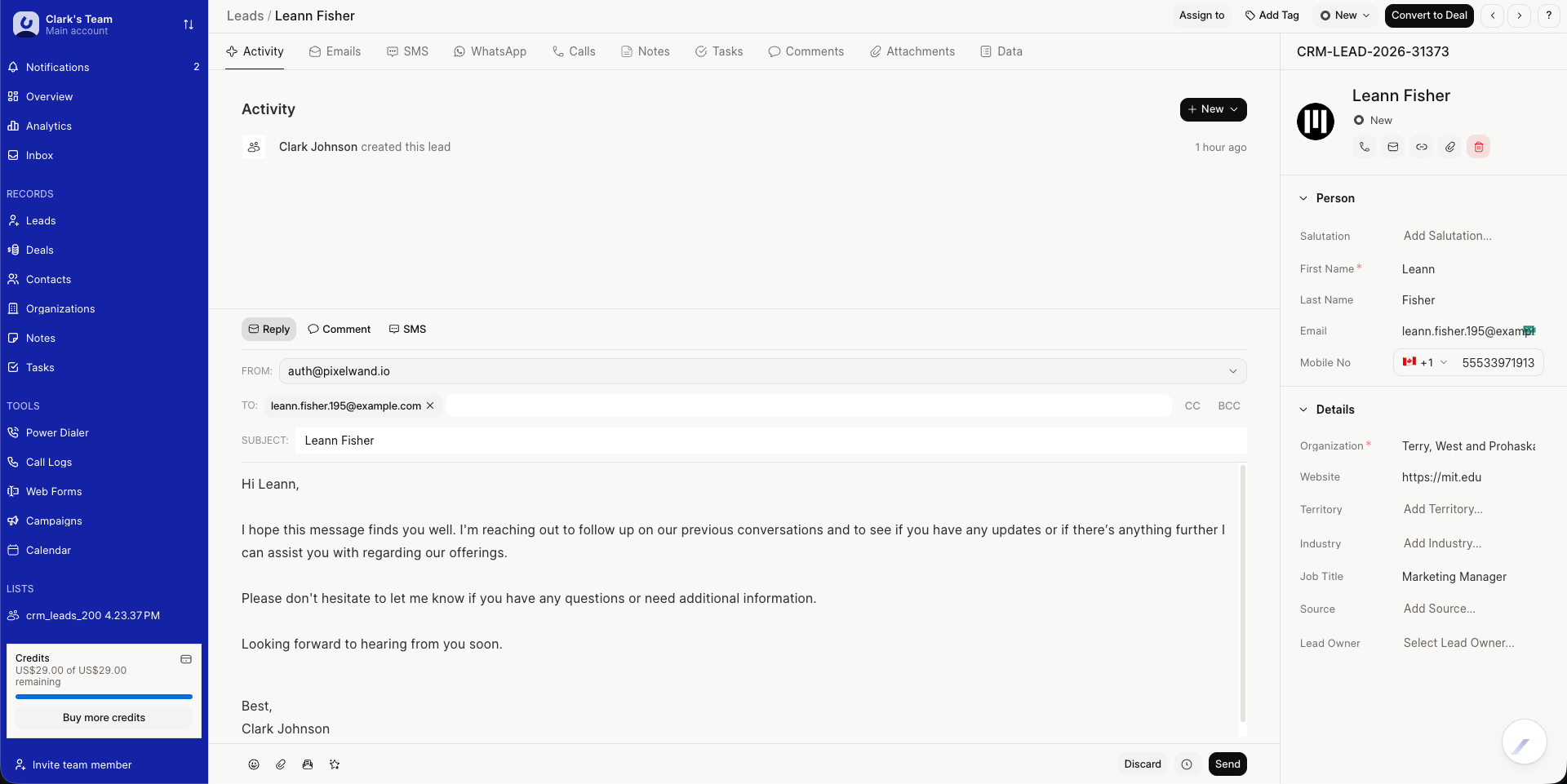
- The draft is inserted into the editor. Review, edit, and send or schedule as usual. The email can be saved as a template if you want to reuse it.
The subject and body are generated by the AI and can be regenerated with a different prompt or tone at any time.