Masters
Task
The task workspace is your central hub for managing follow-ups, with due dates, priorities, and assignments linked to leads and deals.
The task workspace is your central hub for managing follow-ups. Each task is workspace-specific and can be linked to a lead or deal.
With tasks, you can
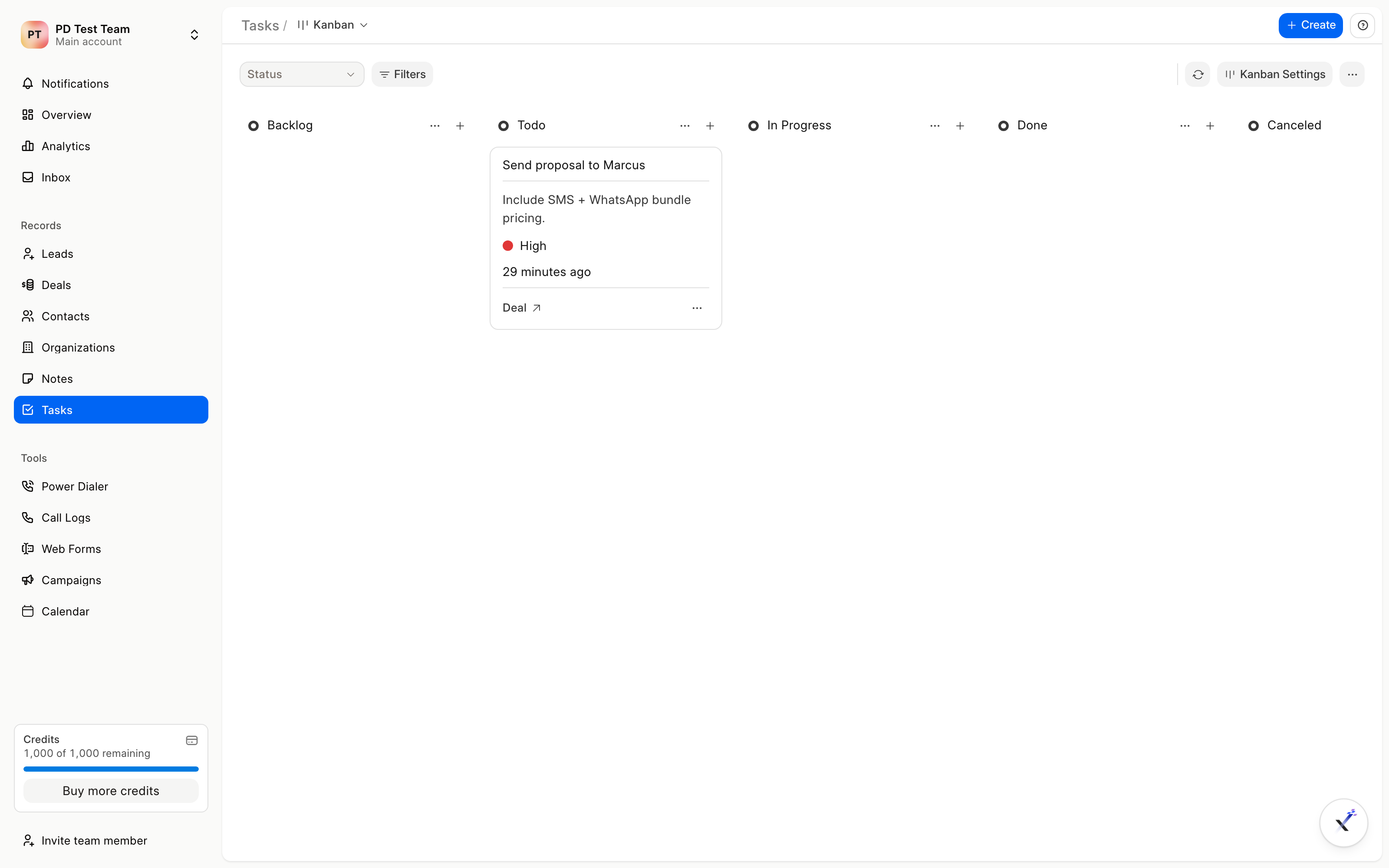
- View all tasks: Get a clear overview of your workload, with views for today, tomorrow, overdue, and all tasks, plus kanban by status.
- Prioritize & organize: See task details like due date and time, priority, and assignee to focus on what is urgent.
- Take action: Create, edit, change status, and manage assignment. Status changes update the integrated ToDo and notify the team.
Task creation
- Title: Add a clear and concise title. This is required.
- Description: Provide details of what needs to be done.
- Status: Choose the stage: Backlog, Todo, In Progress, Done, or Canceled.
- Assignee: Assign to a team member or yourself. If left empty, it defaults to you.
- Due date: Set the due date and time. If not set, it defaults to today.
- Priority: Set Low, Medium, or High.
- Linked record: Optionally link to a lead or deal. Tasks created from a lead or deal are linked automatically.

Tasks
In the list workspace, you can switch between Table, List, and Kanban, filter, sort, and manage views. Your tasks appear across the workspace: on the tasks page, inside the lead or deal's Tasks tab and timeline, on the calendar when linked, and in the Overview widgets.