Masters
Organization
The Organization workspace stores company details like website, annual revenue, territory, and size for your leads and deals.
The Organization workspace stores company details such as website, annual revenue, territory, and team size for your leads and deals. Each organization is workspace-specific and appears with its logo where referenced.
To create a new Organization,
- Go to Organizations and click Create
- Fill in the relevant details such as organization name, website, industry, territory, and size
- Click Create
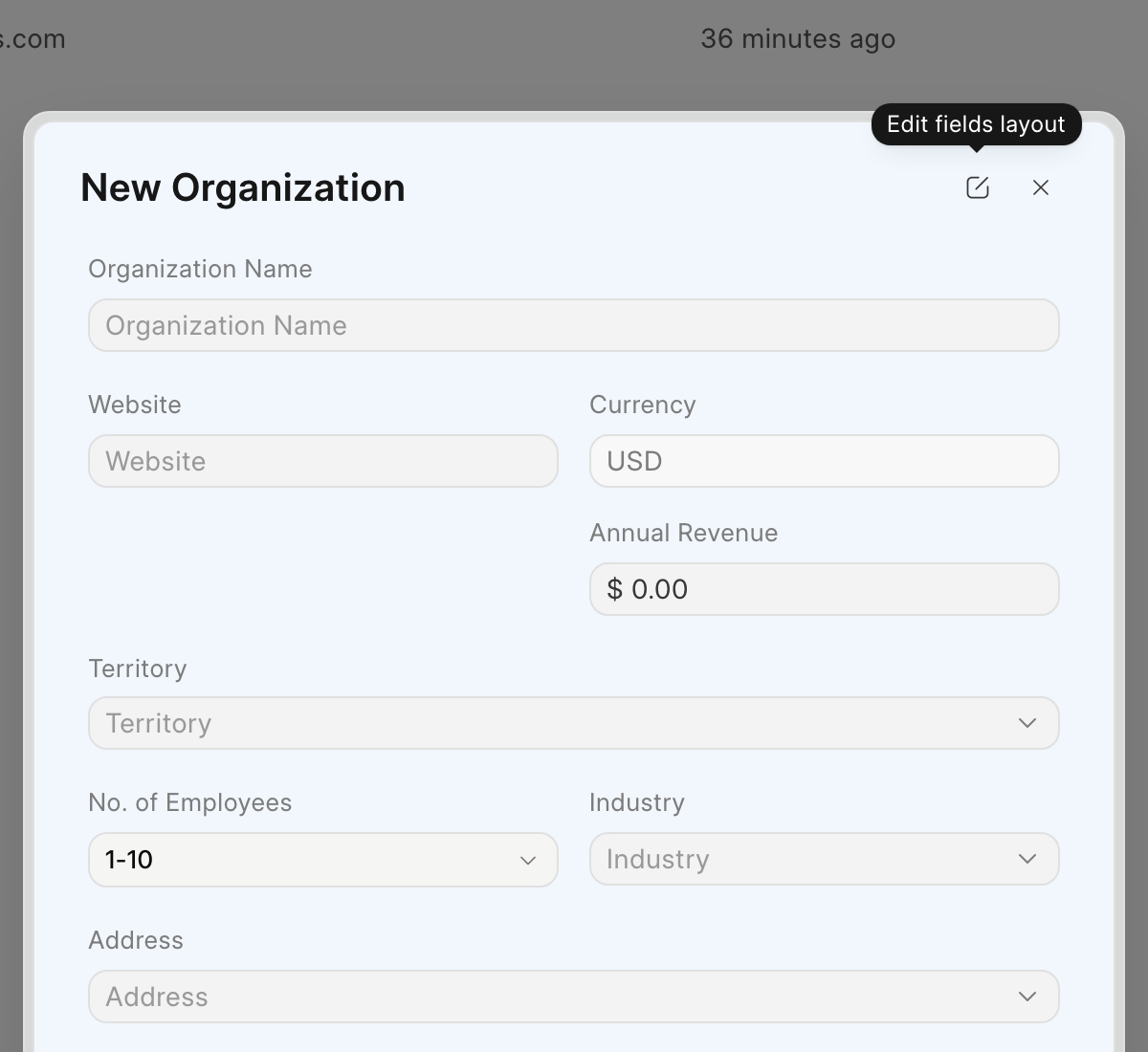
An organization's currency is set to your workspace currency on creation and cannot be changed later.
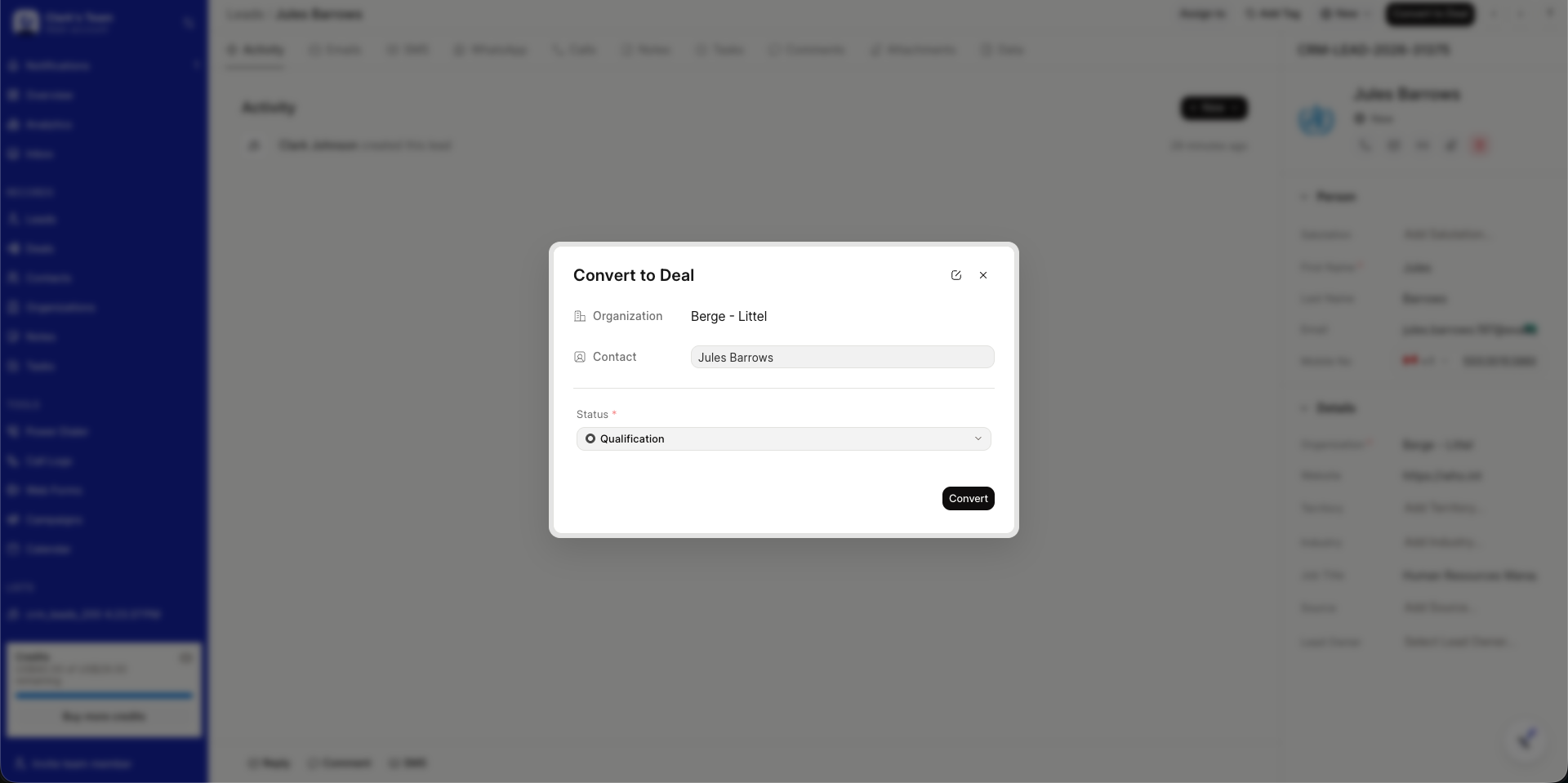
Linking an Organization to a Deal
When you convert a lead to a deal, a new organization is created from the lead's details if a match does not already exist. On mobile you can also choose an existing organization. You can later change the linked organization from the deal's detail page.