Settings
Profile
You can update your name, profile image, and password from the Profile Settings page.
You can update your name, profile image, and password from the Profile Settings page. Your email is shown at the top for reference and is not editable.
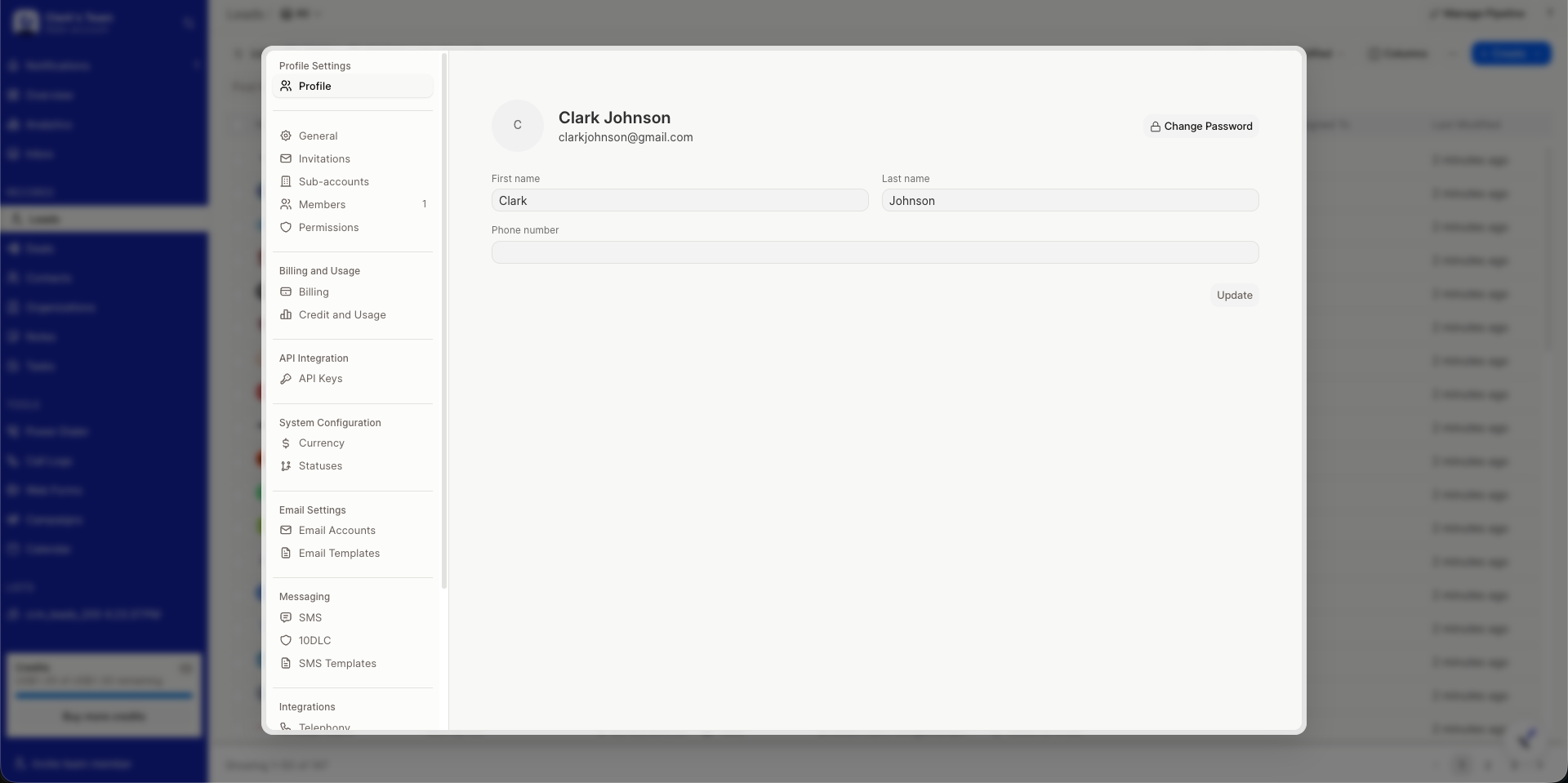
How to Update Your Profile
- Navigate to Settings → Profile. Profile is personal and available to every member, listed under Profile Settings at the top of the Settings page.
- Update your First name, Last name, or Phone number as needed.
- Hover the avatar and choose image to update your profile photo. Image changes save immediately and do not require clicking Update. Only image files are accepted.
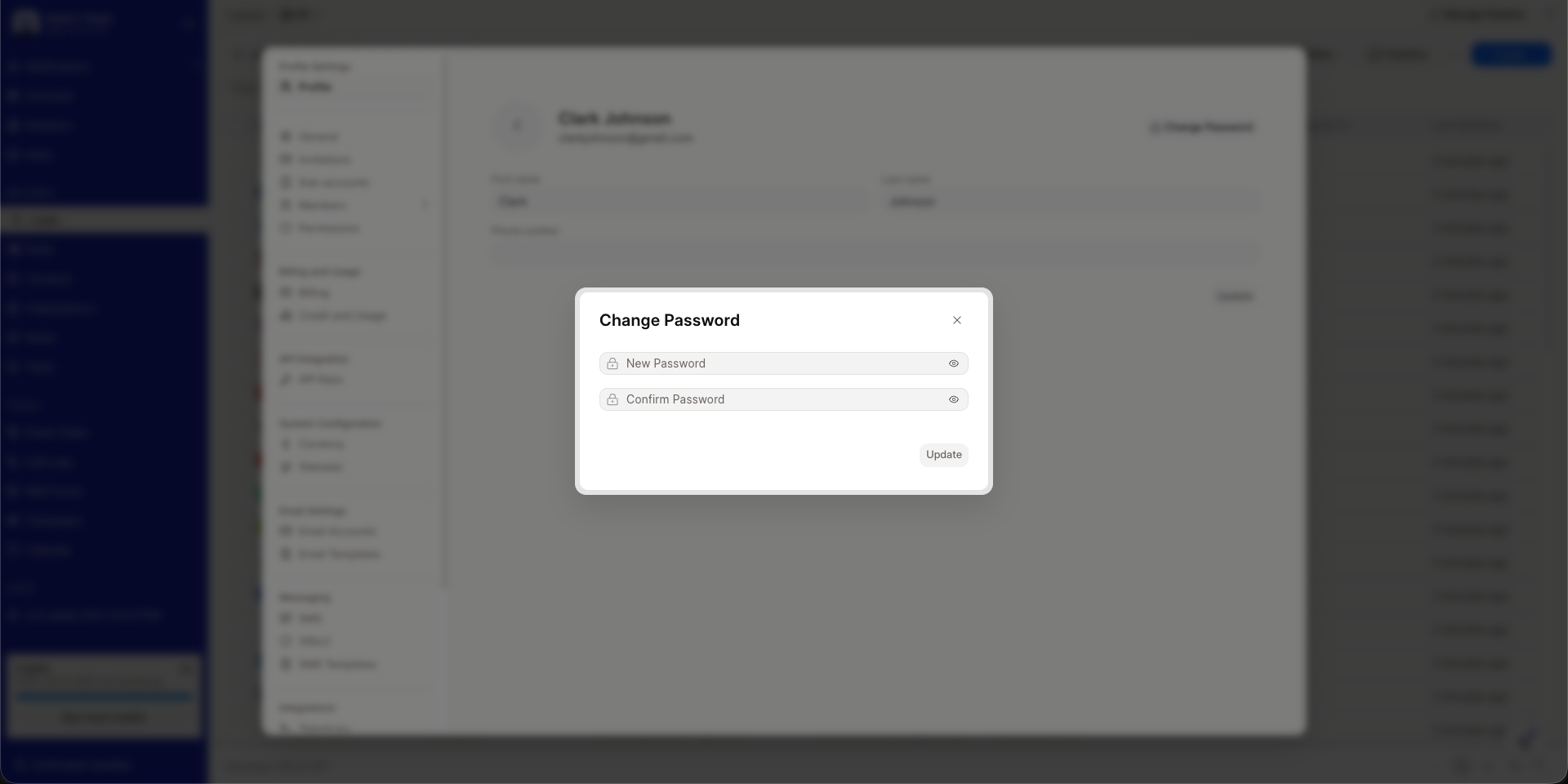
- Click Change Password at the top to set a new password. Enter New Password and Confirm Password. It must be at least 8 characters and include uppercase, lowercase, number, and symbol. The dialog shows when passwords do not match or match.
- Click Update to save name or phone changes. The button stays disabled until something has changed.
Ensure your profile details are up to date for a personalized experience.