Notification
Notifications centralize your updates, from mentions and assignments to leads, deals, tasks, calls, and messages, with in-app and email delivery.
Stay informed about important activities across your workspace using Notifications. The panel is a central hub for your updates, with lists filtered to your team and delivered in-app and, where enabled, by email.
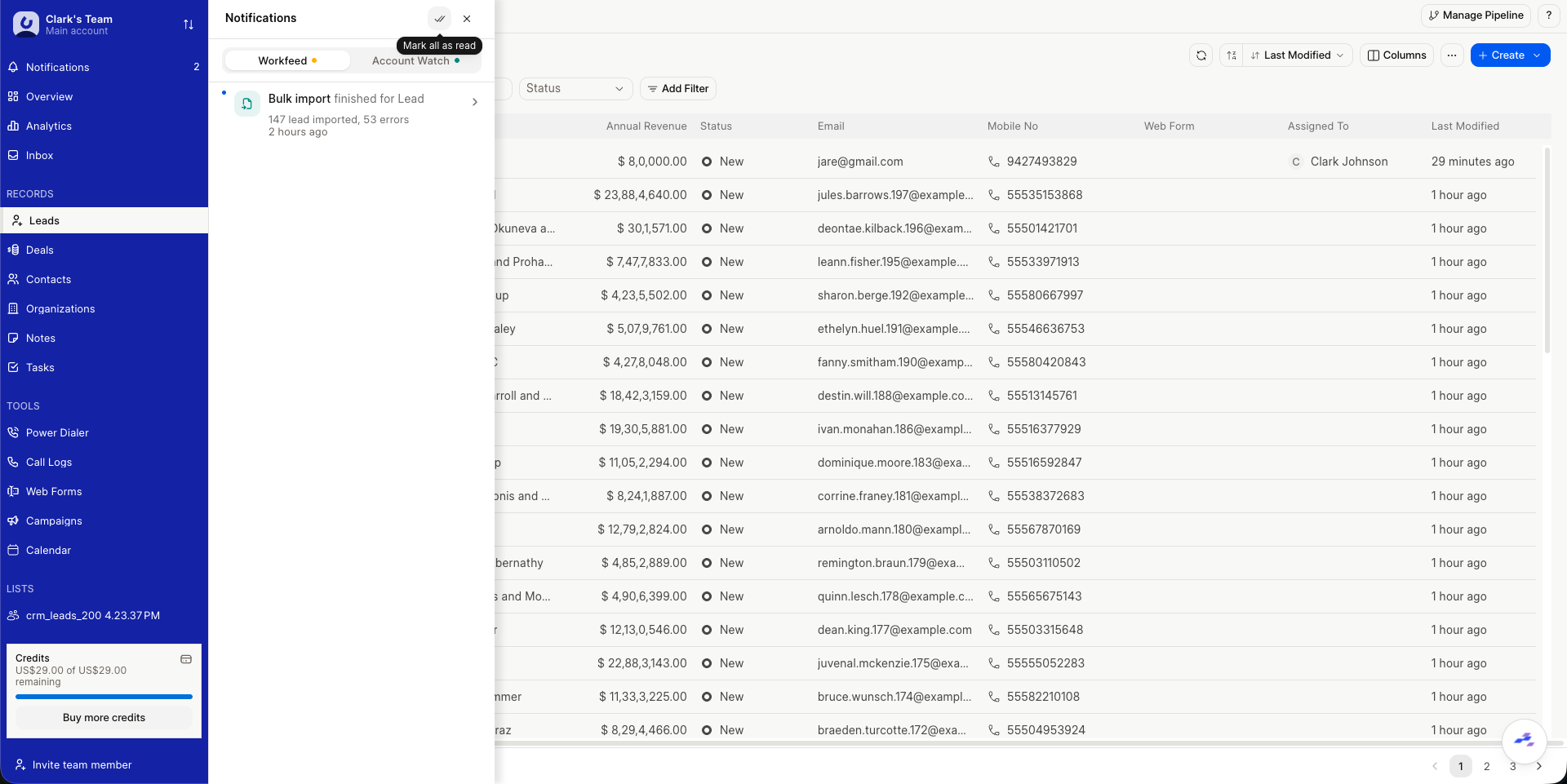
Accessing Notifications
- Find Notifications in the sidebar. A badge shows the number of unread items.
- Click to open the Notifications panel.
Understanding Notifications
The Notifications panel shows alerts across two tabs (Workfeed and Account Watch), grouped by type with an icon and color for each:
- Mentions in comments
- Task assignments, due today, and overdue
- Lead and deal creation, assignment, and status changes, including conversion to a deal
- Incoming and missed calls, incoming emails, SMS, and WhatsApp replies
- Notes and comments, bulk import completion, and SLA breaches
- Team invitations and membership changes, billing and trial updates, and the daily digest
Types include Mention, Task, Assignment, Lead, Deal, Call, Email, SMS, WhatsApp, Import, Reminder, Alert, Team, Billing, and Daily Digest. Notifications are team-scoped, de-duplicated within a short window, and pushed in real time with an optional browser notification when permission is granted.
Managing Notifications
Within the Notifications panel, you can:
- Open a notification: Click an item to go directly to the related record (lead, deal, task, or team setting). This also marks that item as read.
- Mark all as read: Use the dedicated button at the top of the panel to clear all unread items for the current team.
Notification delivery is configured under Platform → Notifications in Settings (System Manager only), where each event can be toggled for In-App and Email and assigned an email template when applicable.